


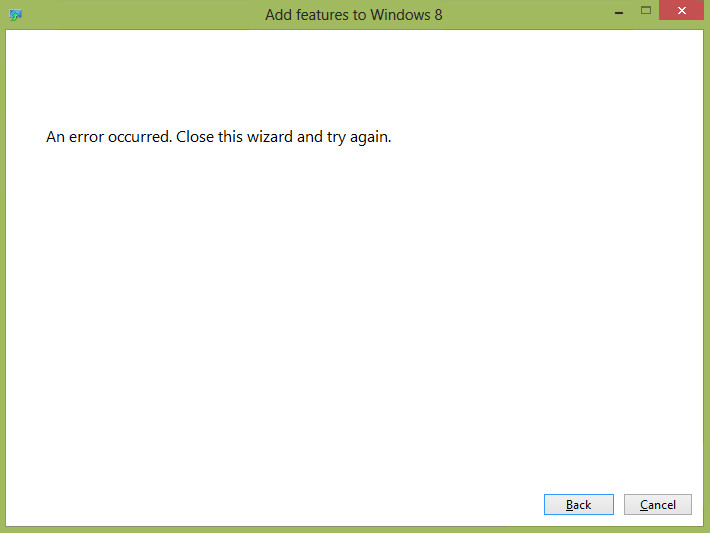
It’s probably no surprise that the very first thing we attempted to do with the RTM version of Windows 8 was to install Windows Media Center. Unfortunately, we discovered that you simply cannot install Media Center yet. We say “yet” because we’re sure that we eventually will be able to, but for the time being no one has found a way to do so. The process that we detailed for installing it in the Release Preview of Windows 8 still appears to be the correct process, but we have been unable to obtain a valid product key. When trying to add the feature you will be presented with two options. One option is to purchase a new product key, and the other is to input a product key you already have. The second option won’t currently work, because we haven’t found a valid Windows 8 Pro with Media Center key on MSDN or TechNet yet. The first option, to purchase a new key, won’t work either as clicking it leads to the error screen you see above.
For the time being we have to strongly urge you NOT to install the RTM of Windows 8 on your production home theater PCs. Again though, we feel very confident that there will soon be a resolution to this issue. We’ve already heard stories of people blowing away their production Media Centers for Windows 8 only to be left without a DVR. We’ll continue to monitor the situation and keep you updated.


[…] too much unknown about Windows 8 Media Center to upgrade (especially in RTM mode where you should certainly hold off). Once the final version of Media Center makes its way out, and we can see if it has any upgrades […]