


I have been a long time user of Windows Media Center as the central hub for my media playback, especially for my Blu-Ray collection. Teamed with Arcsoft’s Total Media Theater, I have long enjoyed full resolution playback with DTS-HD and TrueHD audio pass through. The performance and stability have been great and everything worked as expected for many years. A little over a year ago, Arcsoft pulled TMT from their site, and they stopped selling and supporting the product. For me it was a sign that I would have to find a different solution for my media play back. The present version obviously continues to work perfectly but the fact that it is no longer supported left me concerned as it was the only main stream software that integrated into Windows Media Center and played folder rips directly off of a network share.
Alongside of Windows Media Center, I have also been using Plex for all my mobile needs. I won’t get into all the details of how I rip my BD in this post, but once I have an uncompressed version of just the movie (all the previews and menus removed), I use MyMovies to handle the meta data as well as automatically perform a MP4 rip of the movie for use with Plex and for transferring to my iPad when I need to travel. I really did not want to have two copies of every movie but since Plex does not support folder structures, I did not have much choice. I had experimented with creating MKV in the past which work with Plex but the results were mixed and playback was not nearly as smooth or as consistent as I wanted.
The Solution
Step forward to the present day and Plex has come a long way from the time I interviewed their lead developer for BYOB podcast. It still does not work with BD folder structures but it has become very adept at working with uncompressed MKV files with pass through for the lossless audio which is important to me on my HTPCs that are attached to receivers. Add to the equation a highly polished Home Theater package that does not require a third party player to work on top of continued excellent mobile support, support for virtually every platform including the Xbox One, the ability to share your library, and you have a combo that is hard to overlook for movies or recorded content.
I had over 256 BD movies ripped to folders when I started experimenting with how I could capitalize on Plex and take advantage of having only one file, be able to play that content in full resolution (video/audio), as well as be able to stream it to my iPhone, iPad, Xbox One, Roku, or my Android tablet without the need to have two copies of the movie. Since I had the movies already ripped, I used MakeMKV and repackaged a dozen movies into an MKV container to test with Plex. Since there wasn’t any transcoding to do, it only took on the average about 3-6 minutes to repackage a BD movie from a folder to a single MKV file.
After experimenting with the dozen movies, I found that everything worked better than I expected. Running Plex Home Theater software, I was able to play the movies perfectly without stuttering, with chapter support, and with lossless audio pass through. Along with the excellent playback on the PC, the same MKV file could be streamed (transcoded on the fly as needed) to my mobile devices, Roku, and Xbox One without a single performance issue. I tried various combos and everything worked so well that I was sold. The ability to have one movie file handle virtually every device, give me the uncompressed performance, and allow me to migrate away from my tried and true Arcsoft software, was the perfect combination of everything I wanted. In addition, I found Plex to do an outstanding job at managing Meta data which also cut out a step that I was presently doing. Now my challenge was to convert my entire collection to MKV.
Process
 I am fortunate to have a bit of extra storage since I have moved most of my storage requirements to my QNAP TS-451, leaving my original 15T sever to handle the repackaging before it gets repurposed. To get things started, I copied my collection from the QNAP where I store my content to the server so I could do this work without impacting my current setup. Fortunately for me, MakeMKV works very well with multiple sessions which allowed me to repackage up to nine movies at a time, though six seemed to be a more manageable number on the screen. This allowed me to finish 201 movies in a bit less than two days (I cut a few out that I did not like anymore from the original 256). I was doing them in batches and though it was a bit monotonous, it did go pretty quick. Once I completed the repackaging, I copied everything back to the QNAP and finished configuring the Plex Server. I run Plex Server on a VM which calls the movie files from my QNAP. Though the QNAP works fine as a Plex server, I have to run other things on a VM anyway so it is easier to remote in to one VM and do all the work from one place as well as off load the task from the QNAP which is doing many other things.
When all was said and done, I ended up with an outstanding setup that does everything I want and more with little to no compromise. The completed setup now streams the same file to my collection of devices without the need for different formats or the need for a second file. Below is a list of devices that I am supporting all of which now benefit from the Plex streaming.
- 2 Xbox Ones
- 3 Rokus
- 2 HTPC’s
- 3 iPads,
- 4 iPhones
- 3 Android Tablets
- 3 laptops
Conclusion
It was a bit of work getting things converted and setup, and the options in the Plex Home Theater software can be confusing the first time you explore, but in the end the result is outstanding. Compared to Kodi (XBMC) and EmBy (Media Browser) both of which I tried, this is a far superior solution if your needs are primarily playback of stored content to virtually every device made (except the Apple TV which I am sure will be coming soon). Plex has come a long way and they have managed to inject their player into all platforms. Their focus certainly has been flexibility and they have done an outstanding job with the product. If you are like me and your focus is on playback of media, then give Plex a try, you will not be disappointed.
Application
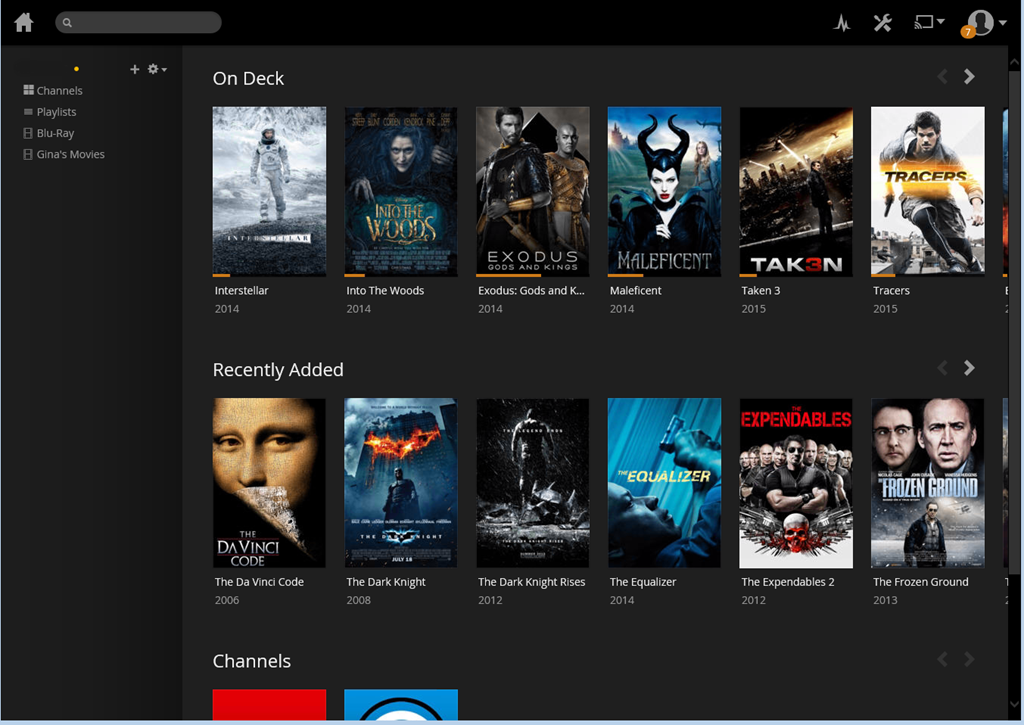


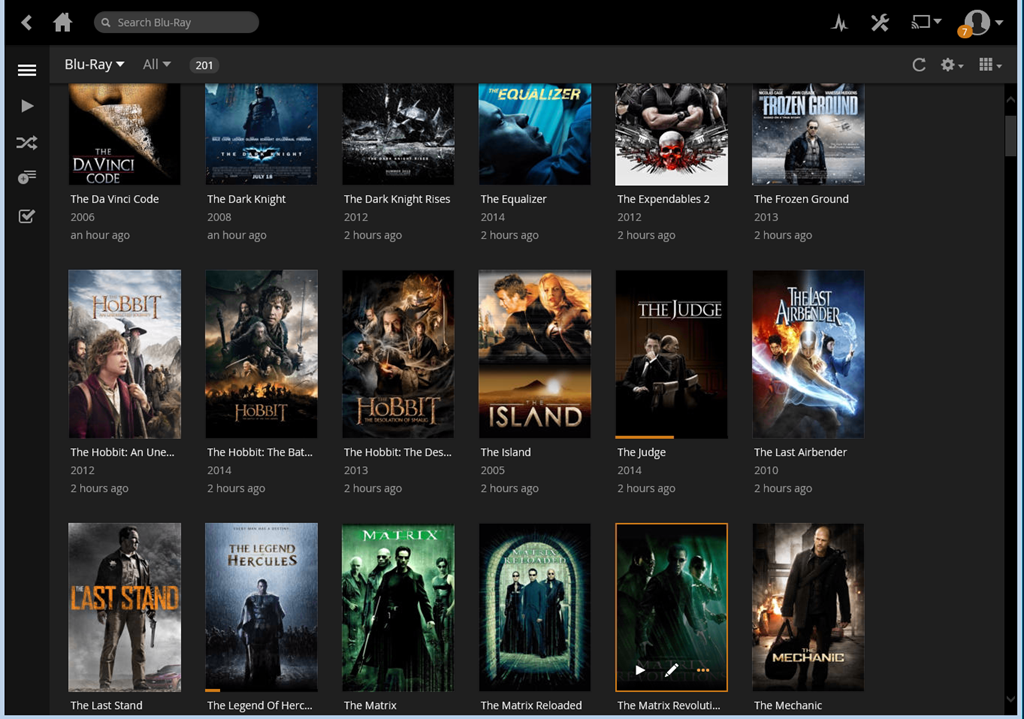
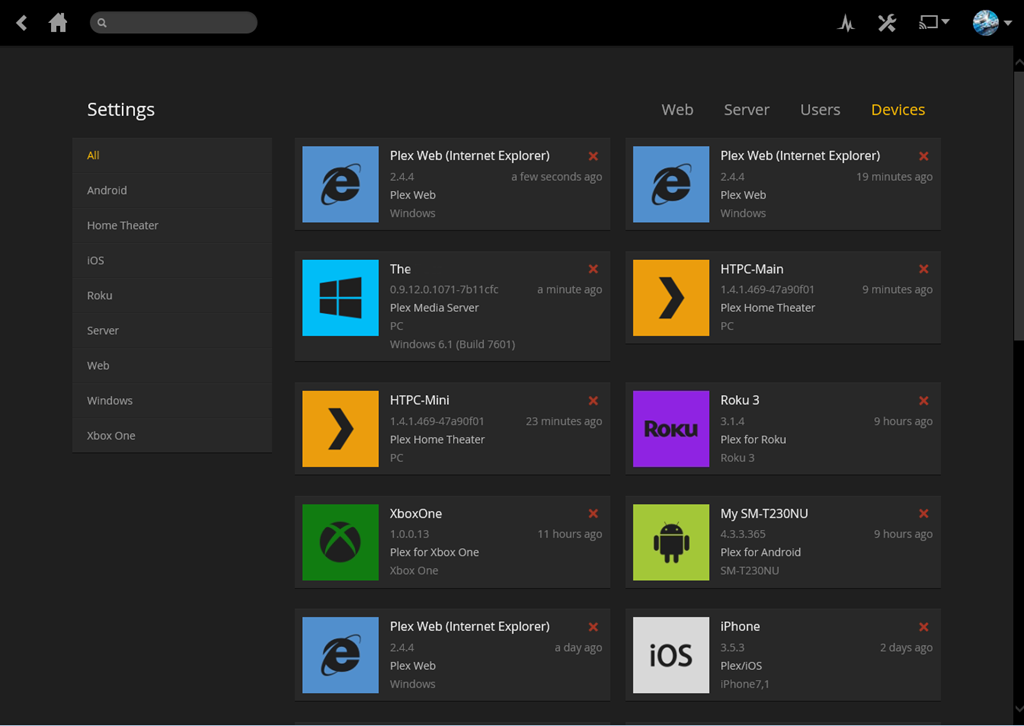

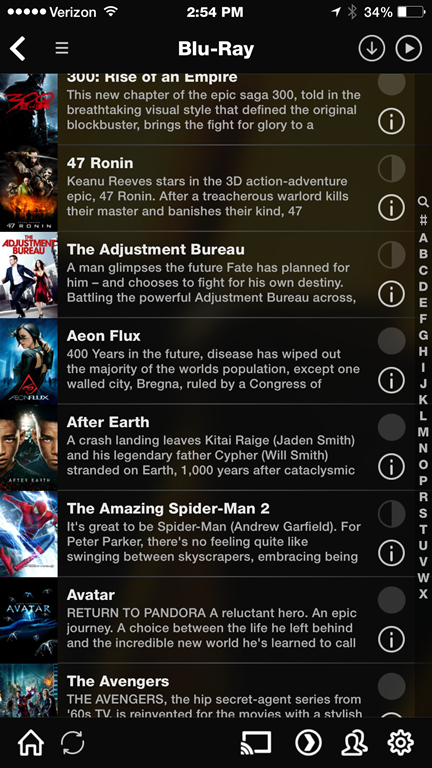
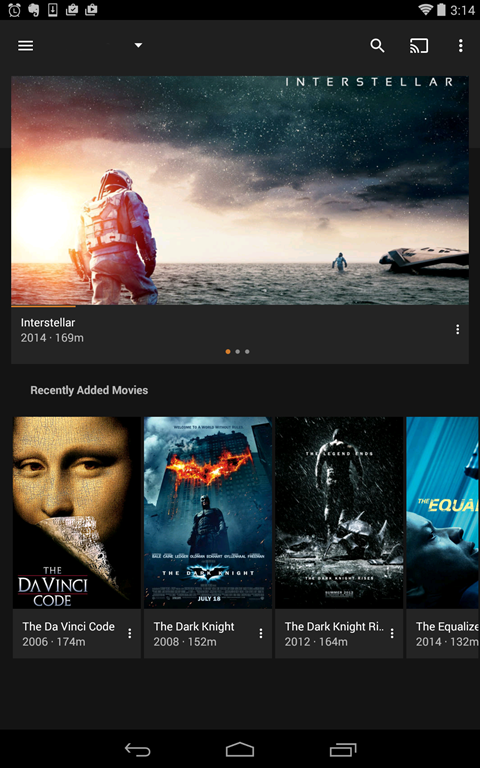
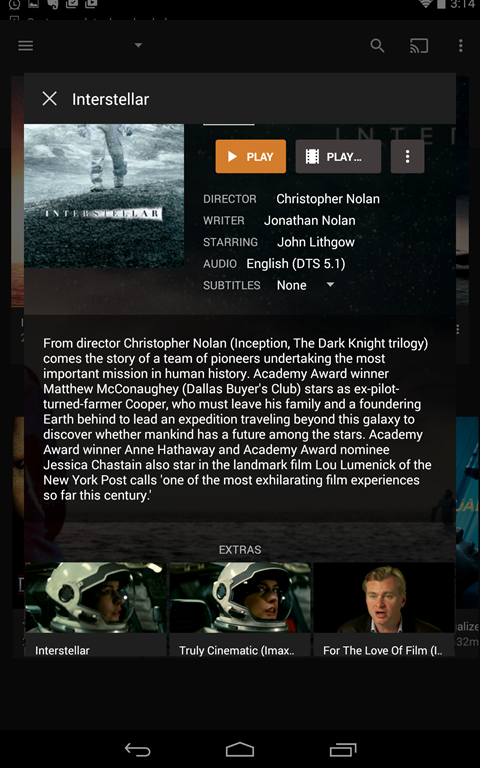
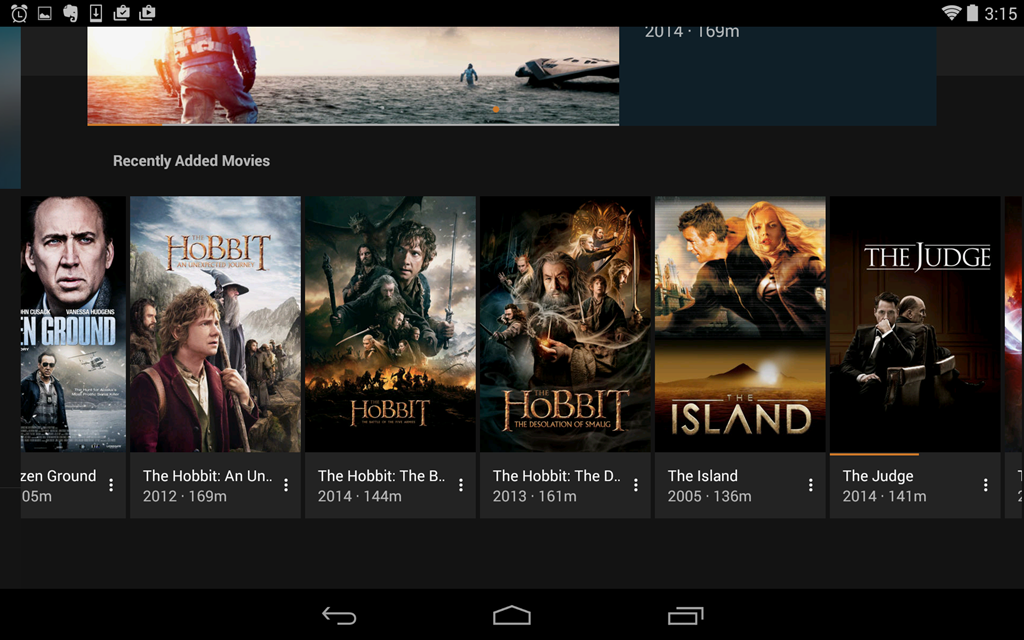
Mobile Support
iPhone

iPad


Android





Great write-up. I will likely do the same. Any reaon you didn’t use the automatic converter built into My Movies to create the unconpressed MKVs?
Just for control on the initial round. MyMovies is a better option if you are using that platform. Not convinced that i will be using MyMovies going forward as it does not offer me the granularity in ripping but it does offer convenience. Still experimenting. Great question.
Plex has been working on the music portion and has improved but its core is still movies.
Nice write up Doc! Makes me want to look at Plex again….
Thanks Tim. You are a movie buff like me, you should definitely give it a shot. Free to try though I have opted for the plexpass which allowed me to try the Xbox One app before it was publicly available as well as a few more benefits.
I like the auto-rip and auto-convert features of MyMovies.
The main reason I haven’t switched to Plex is because I don’t want the maintenance of a HTPC solution and that is the only Plex option for bit-streamed audio. Picture quality, sound quality, ease-of-use are my priorities, so SageTV extenders are still my best bet. But the mediocre user interface and lack of stream service integration has me looking for something better. I’m guessing capable hardware will be available sooner rather than later, especially with 4k streaming becoming more common.
Definitely a good point and would be interested to know if you find stand alone hardware that does it. That said, a striped down PC like a NUC or something similar does not require much more TLC than an appliance if you keep it minimal. I have two and do very little with them. Create a start up task for Plex and you are good to go. I do agree though if there was an appliance that gave us pass through and decent performance, I would be in for that. Thanks for the comment and let us know what you find.
[…] Moving a Movie Library from Media Center to Plex […]